A link instead of your phone number
Give it to people you meet at events or on trips. Whoever opens it chats in their browser with no install or sign-up, and the conversation ends when you say.
Sign up with an email, without a phone number or contact upload.
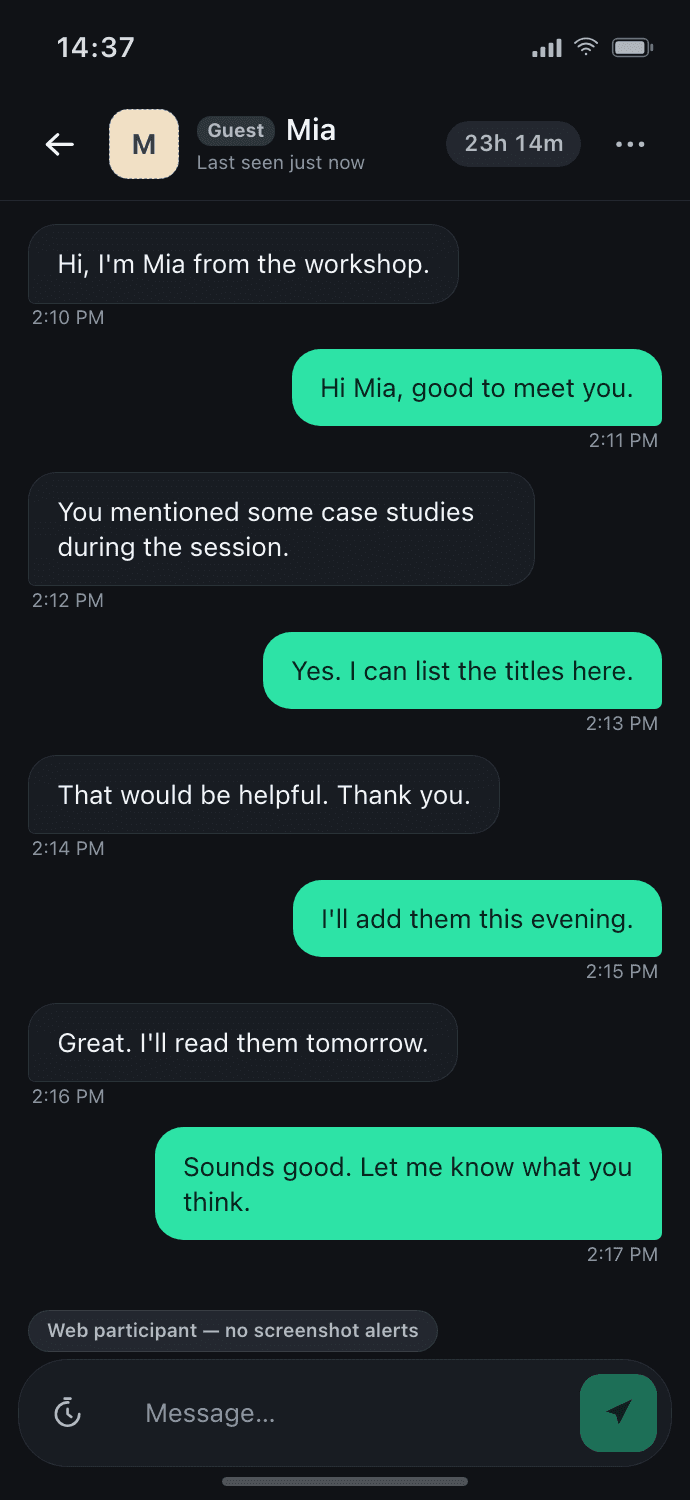
- On the web, iOS and Android
- Nothing to install for whoever opens your link
- For ages 14 and over
- Operated by Foo AI Corp.
Links, place rooms and the chats behind them
A link for the moment you would give your number
Give a single-use link to someone you meet at an event or on a trip. It expires after 24 hours, 3 days or 7 days and, by default, locks once someone joins. A personal link lives in your profile or bio; anyone not connected to you who opens it sends a request, and the chat opens when you accept.
More about links →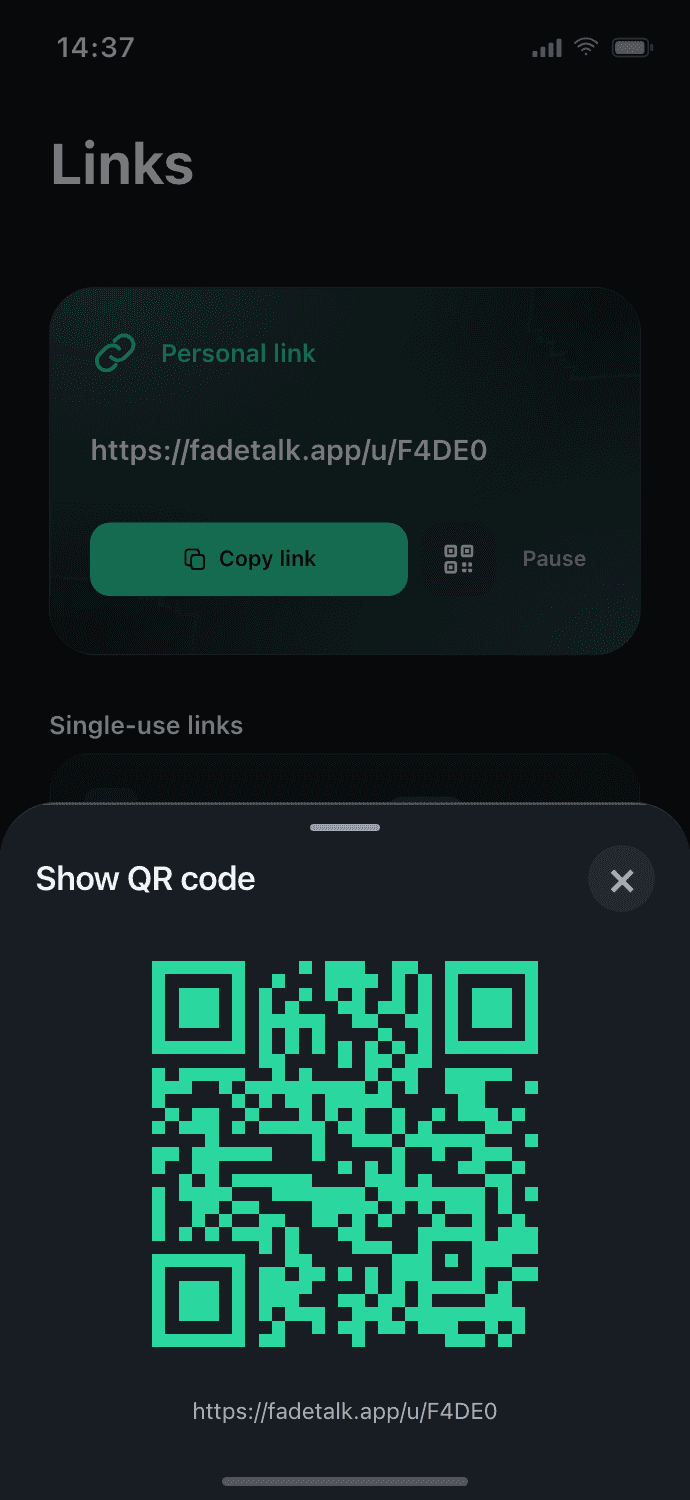
Whoever opens it needs nothing installed
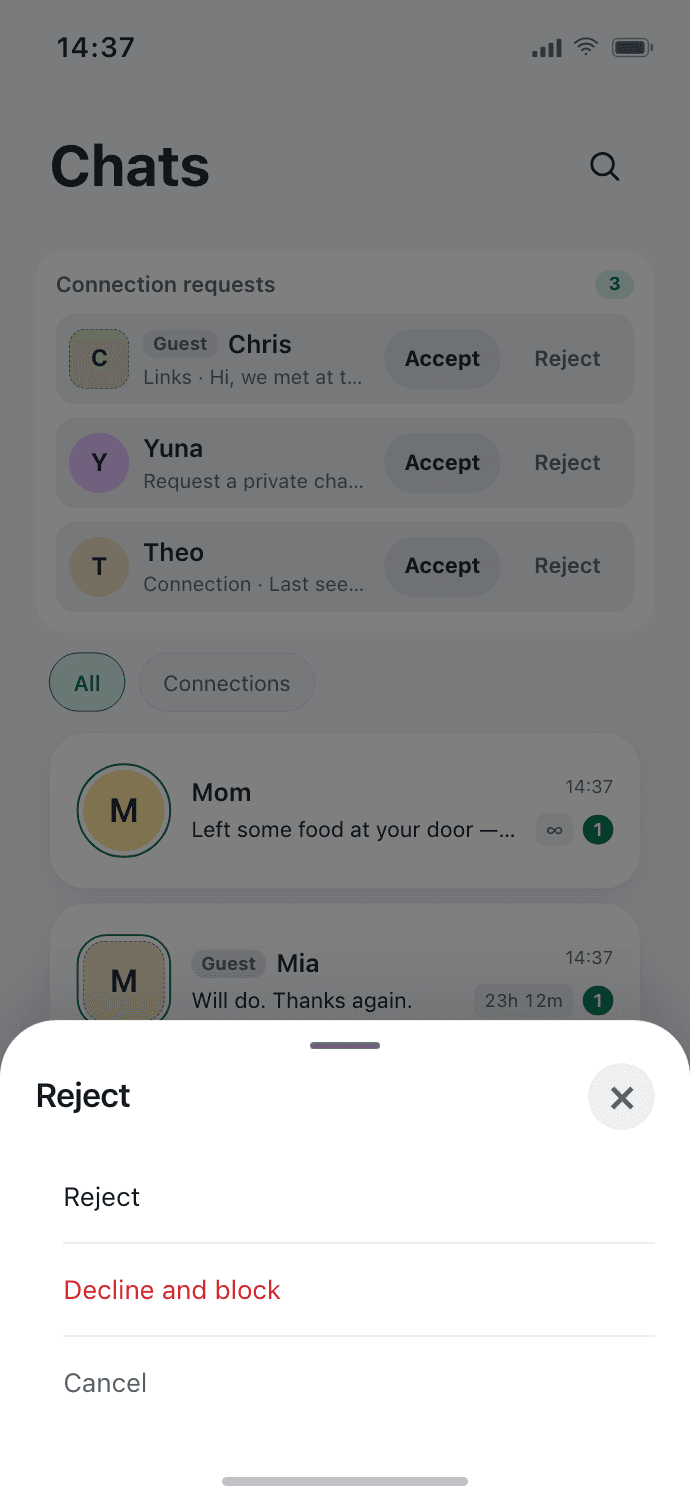
Guests join in the browser with a display name, are always labeled as guests, and can report or leave at any time. Someone signed in joins with their account. On your side, you can decline or block anyone at any point.
Every conversation has an end you set
Set each chat to 1 hour, 1 day, 7 days or a custom time, or keep it with no timer; the time left is always visible. Burning a link ends its guests' chats and retires its address. Recall a message for both sides, or send one that leaves both screens seconds after it is opened.
"Scheduled to disappear" has honest exceptions: reported content, backups and legal holds, and what the other person has already seen or captured.
A room for everyone at the event
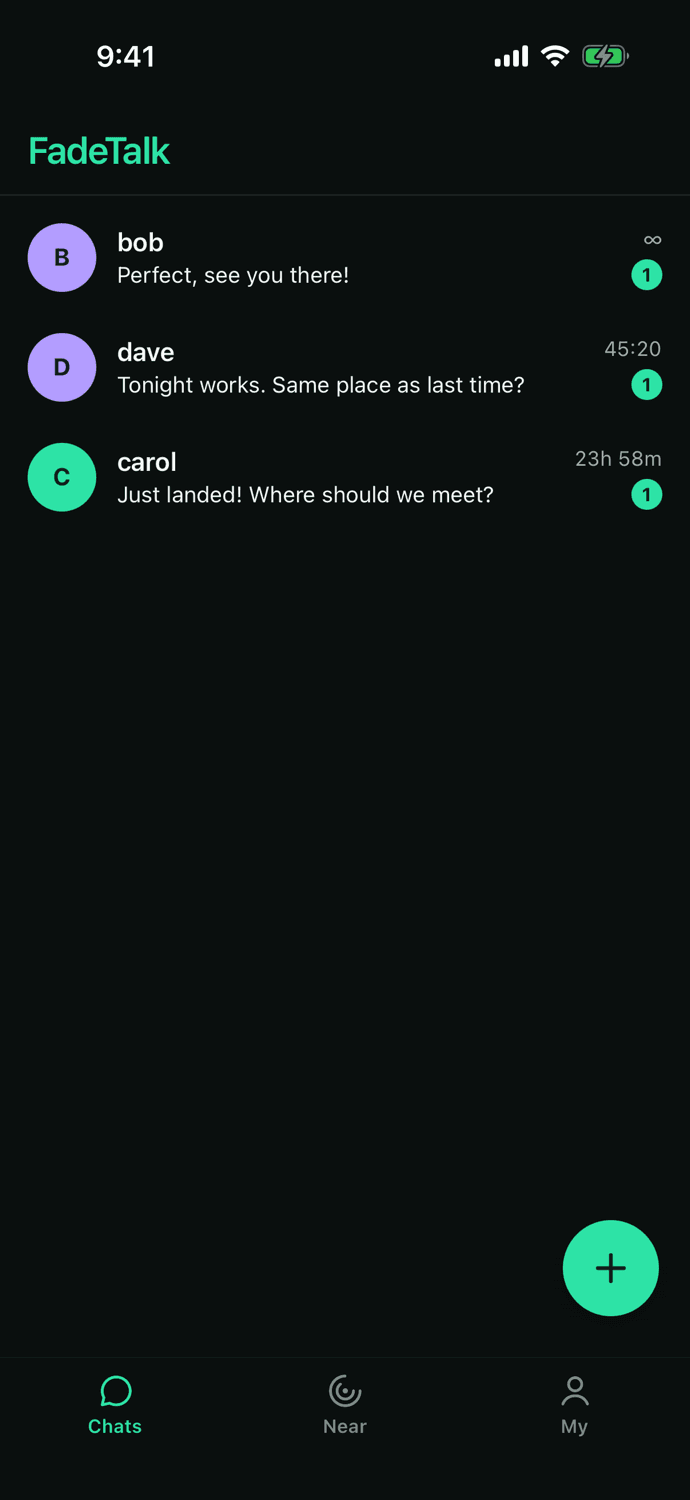
A host opens a room for a conference, a meetup, a workshop or a campus. Attendees join with a six-digit code or QR refreshed every 30 seconds. Guest-enabled rooms allow browser entry and reading without signup. Guests must switch to an account and verify a phone before sending in Korean or unknown-region host rooms. Confirmed non-Korean host regions permit guest sending without verification, based on the server host account region. The host approves entries, pins messages, slows the room down or removes members, and the room closes when time is up. It is never listed or searchable.
More about place rooms →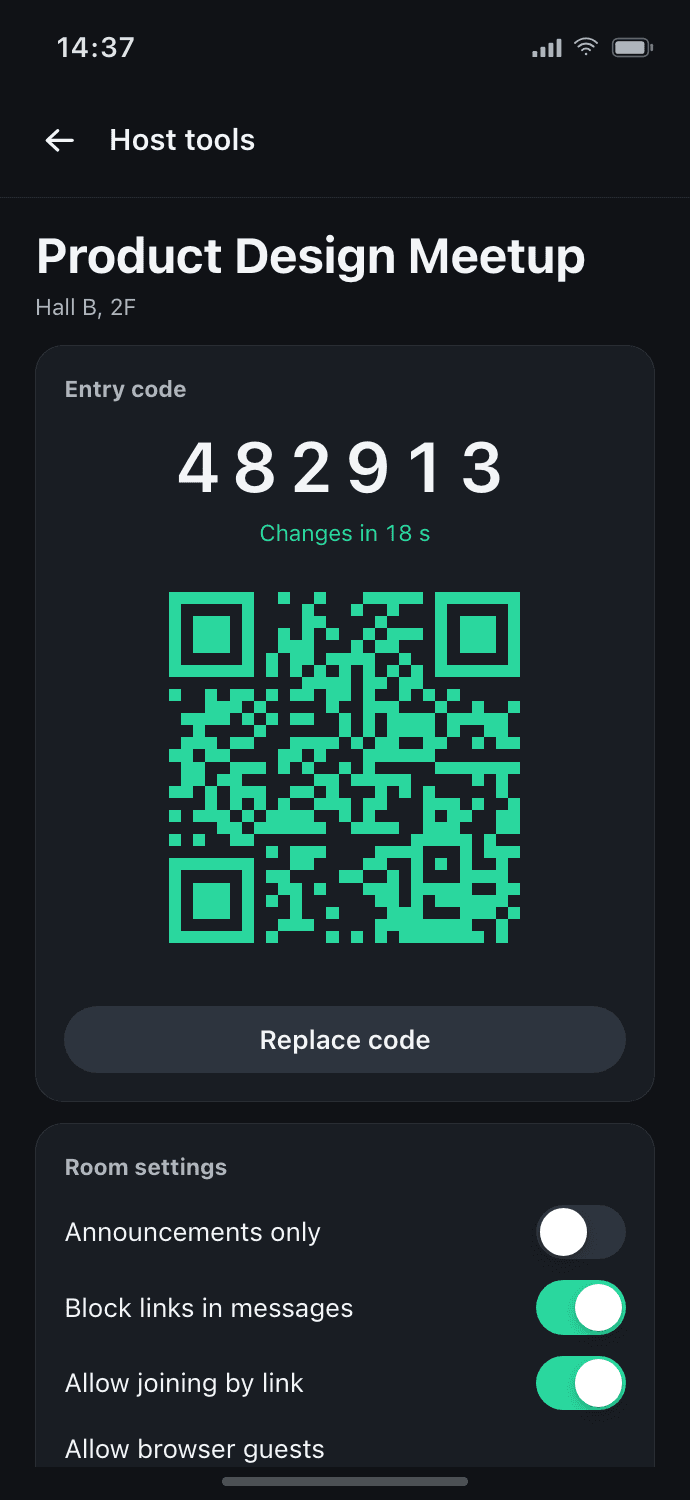
Reply drafts in your own words
When a reply does not come, FadeTalk drafts one in your tone. You edit it and you send it; nothing goes out on its own. Drafts and translation use AI only when both of you turn it on.
What others see
Sign up with an email, Apple or Google. Accounts you connect with see your nickname, your 5-character ID and a profile photo if you add one. Guests and accounts that join by a single-use link see your nickname and a generated avatar. A private chat started in a place room shows your nickname or room alias and a generated avatar, unless the room showed your ID or the other person already has it. Your email and phone number are never shown.
Control that stays close
Block and report in every one-to-one chat, link guests included. Lock the app with Face ID, Touch ID or a passcode, and keep the sender and the message out of notifications. Reported content is kept for safety review, so fading is never a hiding place.
What we hold ourselves to
Every rule that governs a conversation is written down and public, in the same words the app uses.
How privacy works
What is collected, what is not, and who can see what.
Read →Child safety standards
The standards the service is held to, and how to report.
Read →Terms of service
What you agree to, and what we commit to in return.
Read →Support
Answers to the common questions, and the address to write to.
Read →For people you just met, a link, not your number
Start in the browser, or get the app on iOS and Android.