A link instead of your phone number
Give it to people you meet at events or on trips, or put it in your bio and on your name tag. Whoever opens it chats with you in their browser, with no install or sign-up, and you decide when it ends.
Sign up with an email, without a phone number or contact upload.
Single-use links
For one person you have just met. Pick 24 hours, 3 days or 7 days.
- By default it locks when someone joins, and opens again if a browser guest leaves or you decline or block them.
- Burning a link ends its guests' chats and retires its address.
- Someone signed in joins with their account. Unless you two are connected, that chat ends when the link expires or is burned.
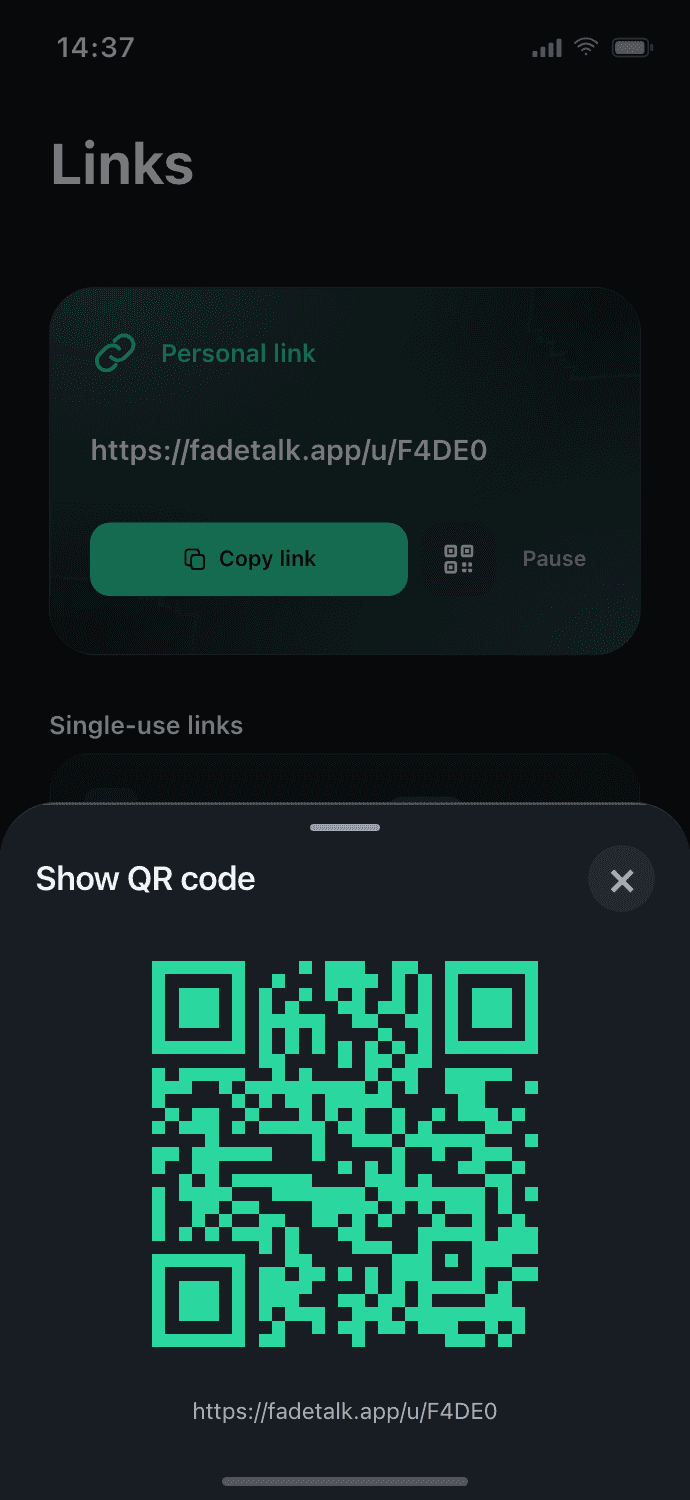
Your personal link
One address for your profile or bio.
- Anyone not connected to you who opens it, or enters your ID, sends a request; the chat opens when you accept.
- Pause it to stop new chat requests.
- Resetting your ID retires it and the address. It is allowed once every 30 days.
What a guest sees
Guests join in the browser with a display name and are always labeled as guests.
- They see your nickname and a generated avatar, never your email or phone number.
- They can report or leave at any time.
- A guest is never shown the way an account is.
How it ends
Every chat has a timer you set, from 1 hour to 7 days, a custom time or none at all, and the time left is always visible.
- At the end time the chat leaves both lists and its messages are deleted on schedule.
- Recall a message for both sides, or send a view-once message that leaves both screens 5, 10 or 30 seconds after opening.
"Scheduled to disappear" has honest exceptions: reported content, backups and legal holds, and what the other person has already seen or captured.
- People you meet at events
- People you meet while travelling
- Someone on a different messaging app
- Name tags and slides
- Profiles and bios
Does the other person need the app?
No. A link opens right in the browser. Guests join with a display name, and anyone already signed in joins with their account.
What does a guest see about me?
Your nickname and a generated avatar. Your email and phone number are never shown.
Can I end a link early?
Yes. Burning a single-use link ends its guests' chats and retires the address. Pausing your personal link stops new requests, and resetting your ID retires the link itself.
Is a conversation gone when it ends?
At the end time it leaves both lists and its messages are deleted on schedule. Reported content, backups and legal holds are the exceptions, and what the other person has already seen or saved cannot be taken back.
For people you just met, a link, not your number
Start in the browser, or get the app on iOS and Android.